

As recently declared by the Federal Government of Nigeria; all citizens were advised to get their NIN number, after which they link it to their service provider to avoid disconnection. Despite the postponement of the deadline, the government has urged all citizens to link their NIN number to their SIM card.
The government also looked into complaints of shortage of NIN Registration centers, and ensured that population is managed strictly due to the surge of the Covid-19 which has affected global bodies; with this the Federal Government provided necessary materials and venues for those who are yet to do their NIN.
What is NIN?
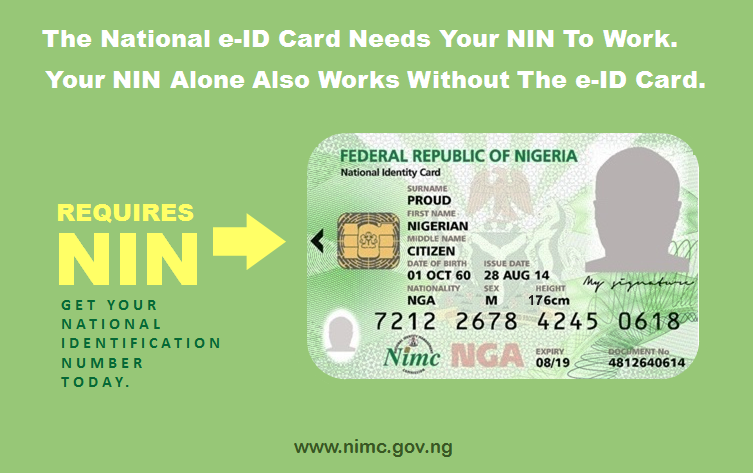
NIN for short means (National Identification Number). It is used to hold all your records about you; here it has your demographic data, fingerprints, head-to-shoulder facial picture, other biometric data and digital signature.
Telecommunications and Banks have also been advised to remind their customers of the implications behind the registration if not strictly adhered to. NIN stands for “National Identification Number”. The body that takes care of this is NIMC (National Identity Management Commission).
For those who are finding it hard to get their NIN Linked to their Sim, don’t be worried we got you covered. Follow each step as written and get it right.
How to Check Your NIN on Mtn, Airtel, Glo, and 9mobile
- On the phone in which your Sim card is presently in, dial *346#.
- Enter 1 and press send.
- A dialogue box will appear requiring some certain information, and do well to fill correctly.
Note: Many might be experiencing issues with accessing it, but be informed that you would be charged for a service fee of N20. If you are among those who have issues as such, do well to have adequate airtime balance to access the service or better still try again if it is not connecting. There is currently no online platform that renders such help.
I Have Gotten My NIN: What Do I Do Next?
After getting your NIN, the next step is linking it up to your Network provider to avoid disconnection as said by the Federal Government of Nigeria.
Step to Link Your Nin Using The NIMC Mobile Application
- Make sure you have downloaded the NIMC Mobile ID application from the google play store.
2. Ensure you log into the mobile application with your security pin.
3. Once the application is opened, click on “MY DEVICES”.
4. Click on “ADD NUMBER” and enter the number you would love to link it to.
5. An OTP (One Time Password) would be sent to the sim you linked it to. Enter it correctly and complete the process.
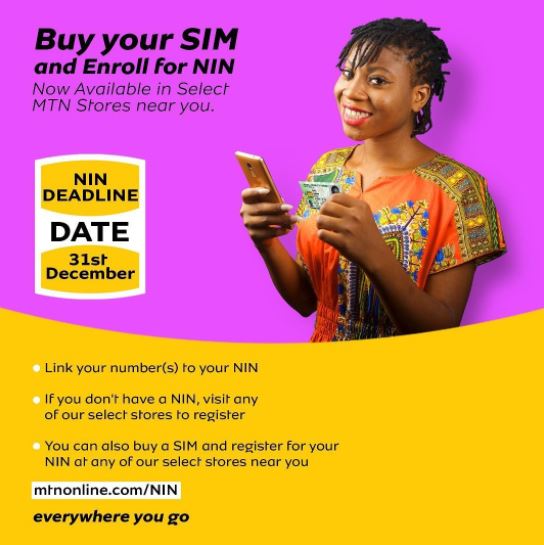
How to Get My MTN Line Linked With My NIN
For all those who use MTN, these are alternatives you can use to link your line to avoid disconnection.
- For MTN subscribers the code to dial is *785#. All you have to do is to use the exact Mobile Number you want it linked to, after which you provide your national identification number and then you submit your request. You can do that directly by dialing *785*NIN#.
2.You can send your NIN directly by sending a message to 785.
3. You can link it by opening your MTN app and provide necessary information correctly. If you don’t have the MTN app, you can download it on google play store.
4. Visit the Official MTN Website and provide the necessary information to get your NIN linked to your network provider.
How to Get My Glo Line Linked With My NIN
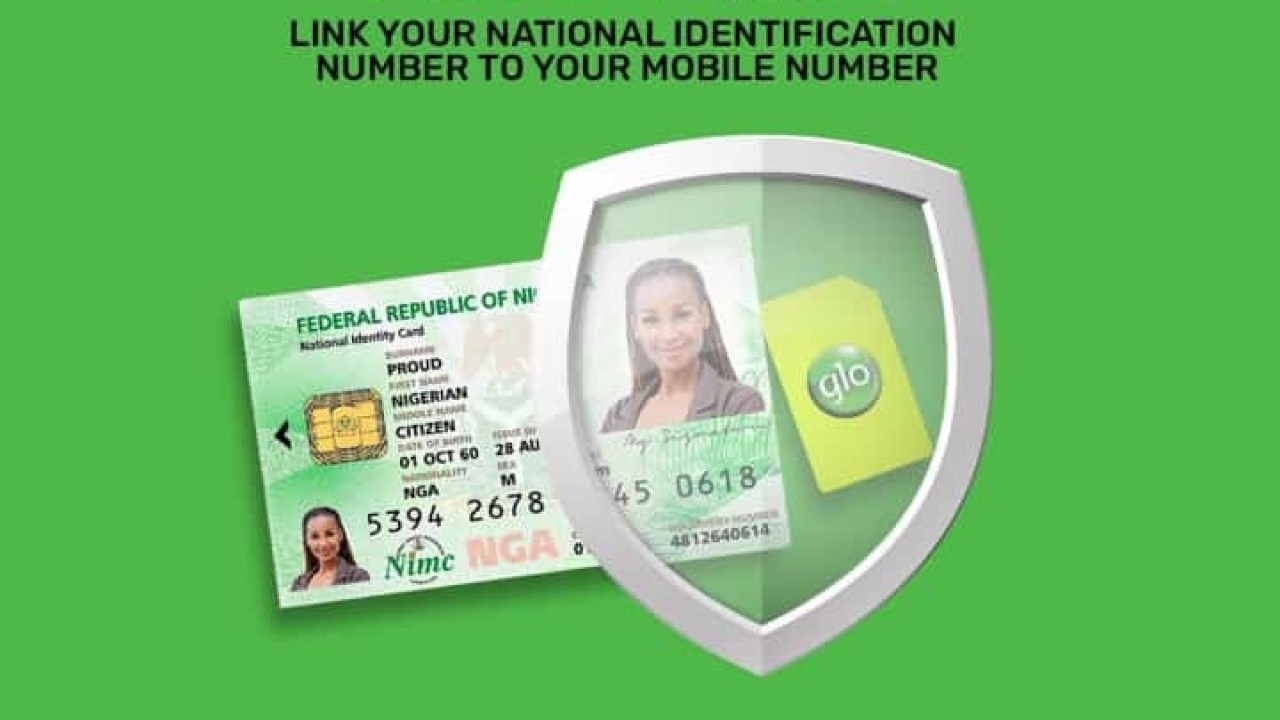
To ensure that your Glo line is linked to your NIN, do well to follow the steps below.
- Log into the Official Glo Website and provide your details.
- The general code for all Glo customers is *109#. One thing you must ensure to do is to use the number you want registered before dialing the code.
- You can send your national identification number to 109 as a message.
How to Get My Airtel Line Linked With My NIN
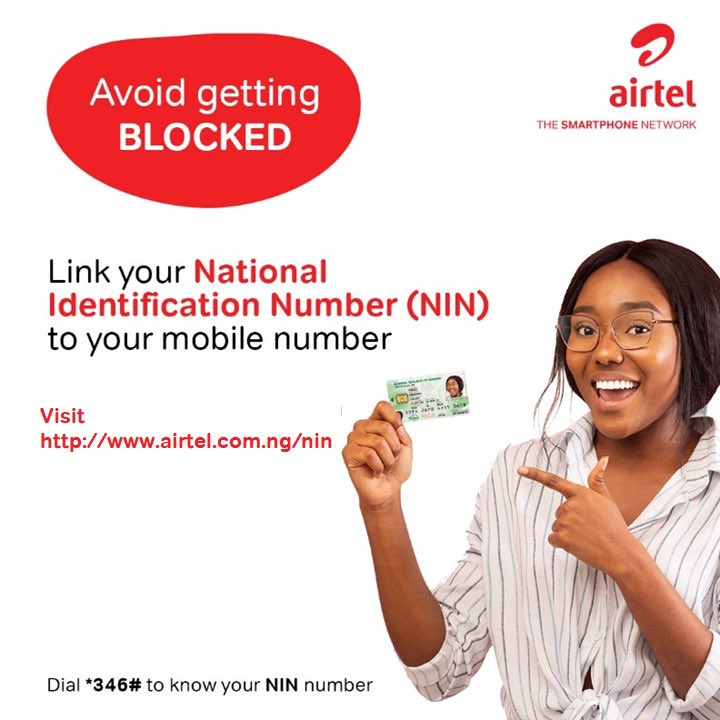
If you are using Airtel you would love to check the following steps to ensure that you are not disconnected from your network providers. You can do that to your Airtel ODU digits and router/MiFi. Below are detailed steps you can use to achieve this:
- To register your NIN on your mobile device, you have to have the available number you want linked with your NIN. Dial *121*1# and then enter your NIN and press the send button.
2. To link your ODU digits and router/MiFi, visit the Official Airtel Website and provide your details to stay connected.
How to Get My 9mobile Line Linked With My NIN
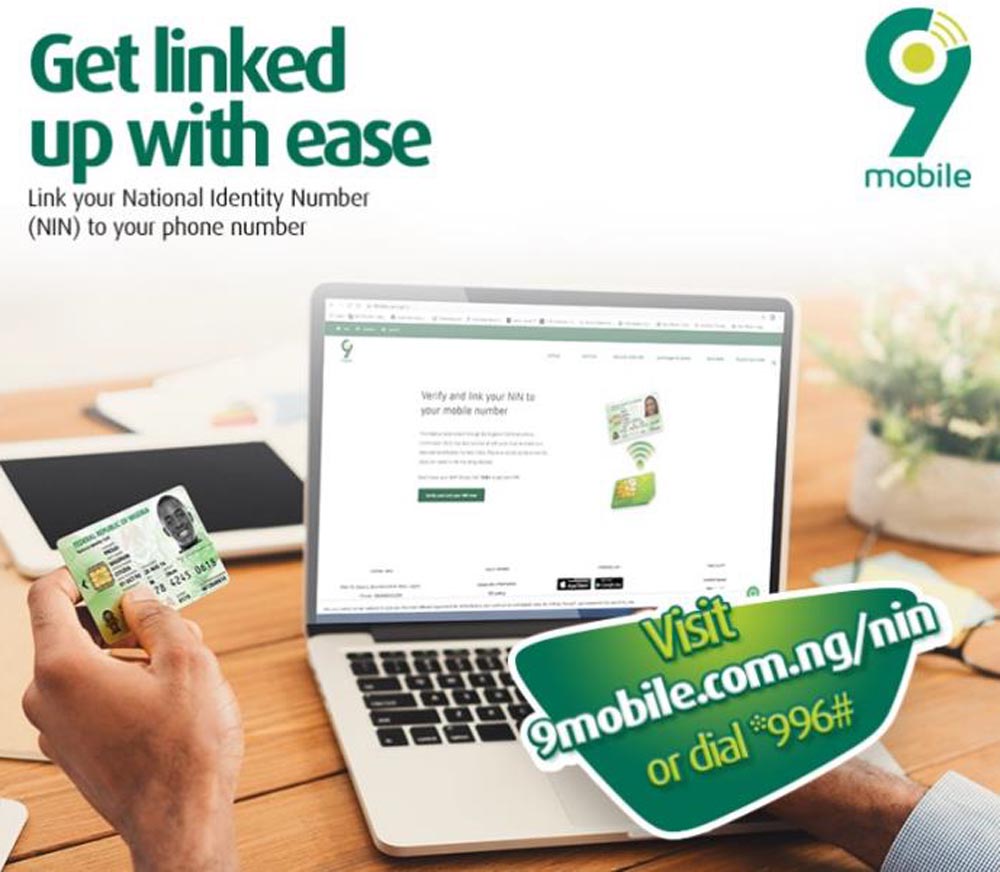
Are you using 9mobile? If yes, then you need to see the steps below to get your NIN linked to your number.
- *996# is the code to dial. Before dialing this code, make sure your 9Mobile line is inserted into the phone, after that provide the necessary information to get your number linked.
2. You can do that on the Official 9Mobile Website. Simply log in with your necessary information.
Is NIN Only Important to Avoid My Sim Getting Blocked?
Have it in mind that NIN is also compulsory before you can get your National ID Card. You cant travel out of this country without having your National ID Card, so it would be advisable to do your NIN before it is too late.

What Categories Are Advised to Enroll for Their NIN?
Everyone is advised to enroll and get their NIN. There was a speculation that those who have gotten their National Identification Card in the past are exempted, but it was rebuked by NIMC as they ensured everyone to enroll for a new registration so as to be in line with the Federal Government directives.